
Picture logging into your exchange app and seeing a green “+18% P&L;” badge, only to realize your actual cash-in-pocket profit is nowhere close. This happens more often than most traders expect. Understanding why your exchange P&L number can be misleading helps you track your real gains instead of a number built for a dashboard.
How Exchange P&L Calculations Actually Work
Most exchanges calculate profit and loss using your average buy price compared to the current market price. This sounds simple, but it often ignores trading fees, withdrawal costs, and deposits made at different prices. A CoinGecko market snapshot can show a coin up sharply for the day, while your personal cost basis tells a very different story.
A headline daily price move on CoinGecko reflects the whole market, not your individual entry prices — the two numbers can diverge significantly for any single trader.
Realized vs Unrealized Profit: What Your Dashboard Hides
Your exchange’s P&L; badge usually blends two very different numbers into one figure, which can create a false sense of confidence.
Unrealized Profit
This is profit on paper only. The coin’s price is higher than your average buy price, but you haven’t sold, so nothing is locked in yet.
Realized Profit
This is the actual profit or loss from coins you’ve already sold, converted, or moved to cash. Only this number reflects money you can actually spend.
An “unrealized” gain can vanish if the price drops before you sell. Only realized profit is money you can actually walk away with.
A Real Example of Misleading Exchange P&L
Consider a trader who bought Bitcoin three separate times at different prices, then sold half their holdings. Many exchange dashboards recalculate the “average buy price” using only the remaining balance, which can quietly erase part of the original cost basis from the display. This is a common reason a crypto profit and loss calculator built specifically for tracking real cost basis often shows a different result than the exchange app. According to Coinbase Learn, tracking your own cost basis separately from an exchange’s built-in display is a more reliable way to understand your actual trading performance.
Whenever you sell only part of a position, check whether your exchange recalculates your average buy price using just the remaining balance — this can quietly change your displayed cost basis.
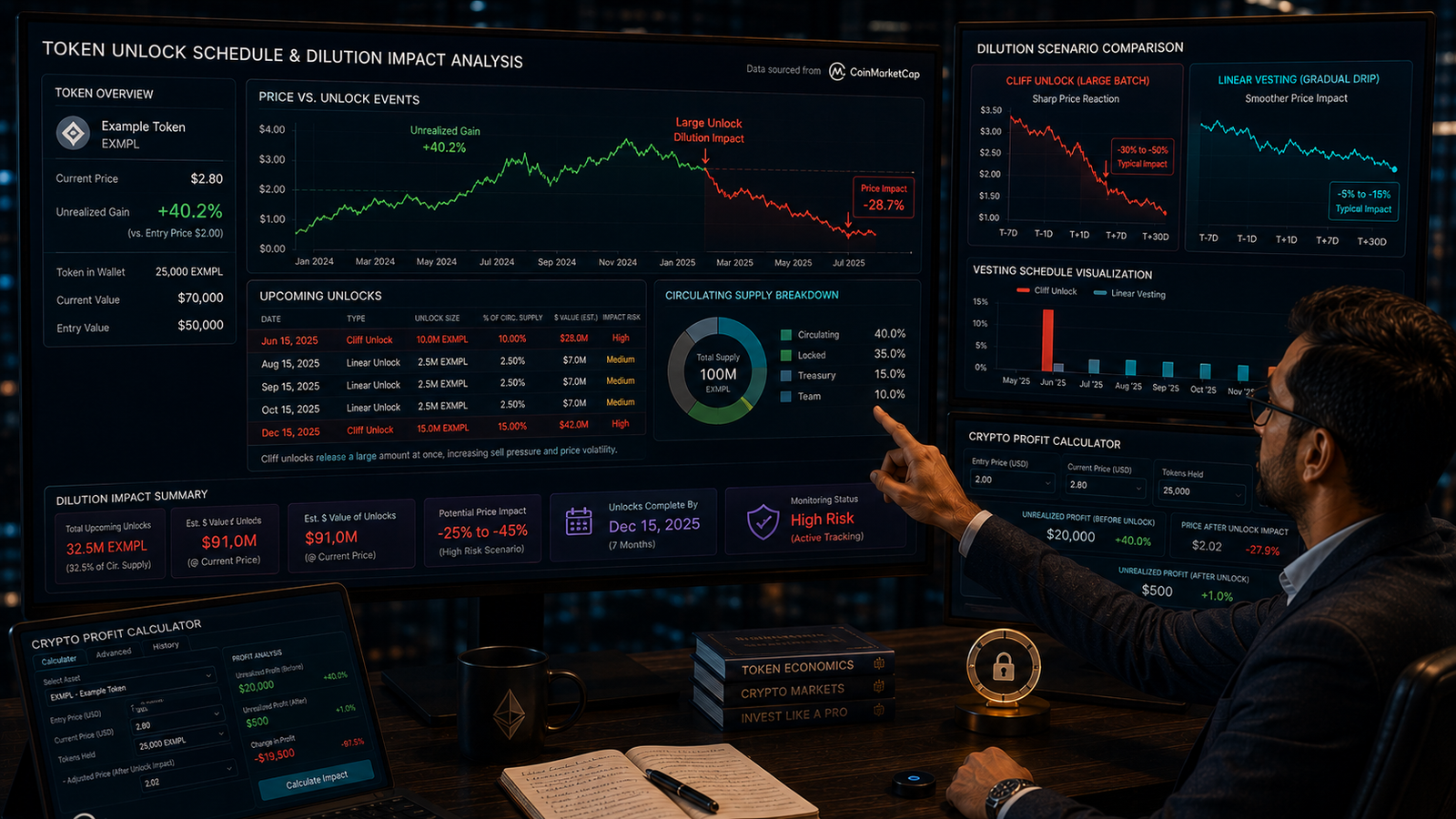
Use our free Crypto Profit Calculator to enter your real buy and sell prices and see your true profit or loss — no login needed.
Conclusion
Your exchange P&L number is a convenient snapshot, but it isn’t always the full picture. Fees, partial sales, and blended cost basis calculations can all distort what you see on screen. For a clearer view of your actual numbers, try our free Crypto Profit Calculator and calculate your real gains and losses directly.



Comments
No comments yet. Be the first to share your thoughts.
Leave a comment